 LinguaSnap
Select to translate
Highlight a word, a sentence or a paragraph. The translation shows up in a tooltip under your selection.
LinguaSnap translates the text you select on any web page into Sinhala, Tamil, Hindi and 22 more languages. The translation appears in a small tooltip right next to the text.
Works in Google Chrome, Microsoft Edge and Brave · No sign-up
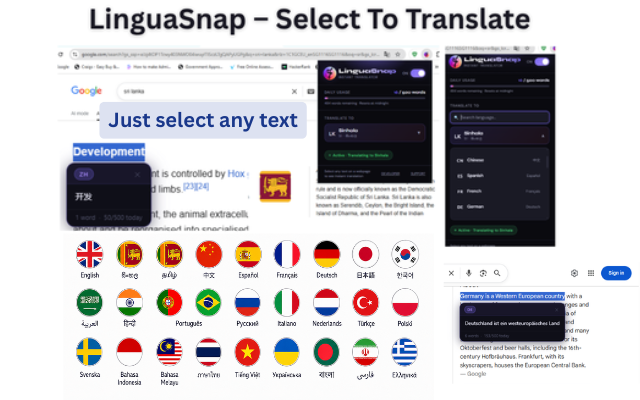
No copying, no new tabs. Select the text and read the translation.
Highlight a word, a sentence or a paragraph. The translation shows up in a tooltip under your selection.
A built-in English to Sinhala dictionary gives instant results for single words, even before the translation service is asked.
Sinhala, Tamil, Hindi, Chinese, Arabic, Spanish, French, Japanese, Korean and more, with a searchable language list.
LinguaSnap recognises the language of the text you select and shows it on the tooltip, for example FR → SI.
Switch LinguaSnap off from the toolbar popup whenever you want to select text normally.
No account, no tracking. Your settings stay on your device. Read the privacy policy.
No setup or account needed.
Install LinguaSnap from the Chrome Web Store or Microsoft Edge Add-ons. It is switched on straight away.
Click the LinguaSnap icon and pick your language, for example Sinhala, Tamil or Hindi.
Highlight text on any website. The translation appears in a tooltip right under it.
Real screenshots of LinguaSnap translating text on web pages.
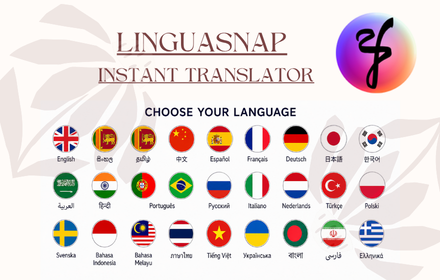
From any language on the page into the one you choose.
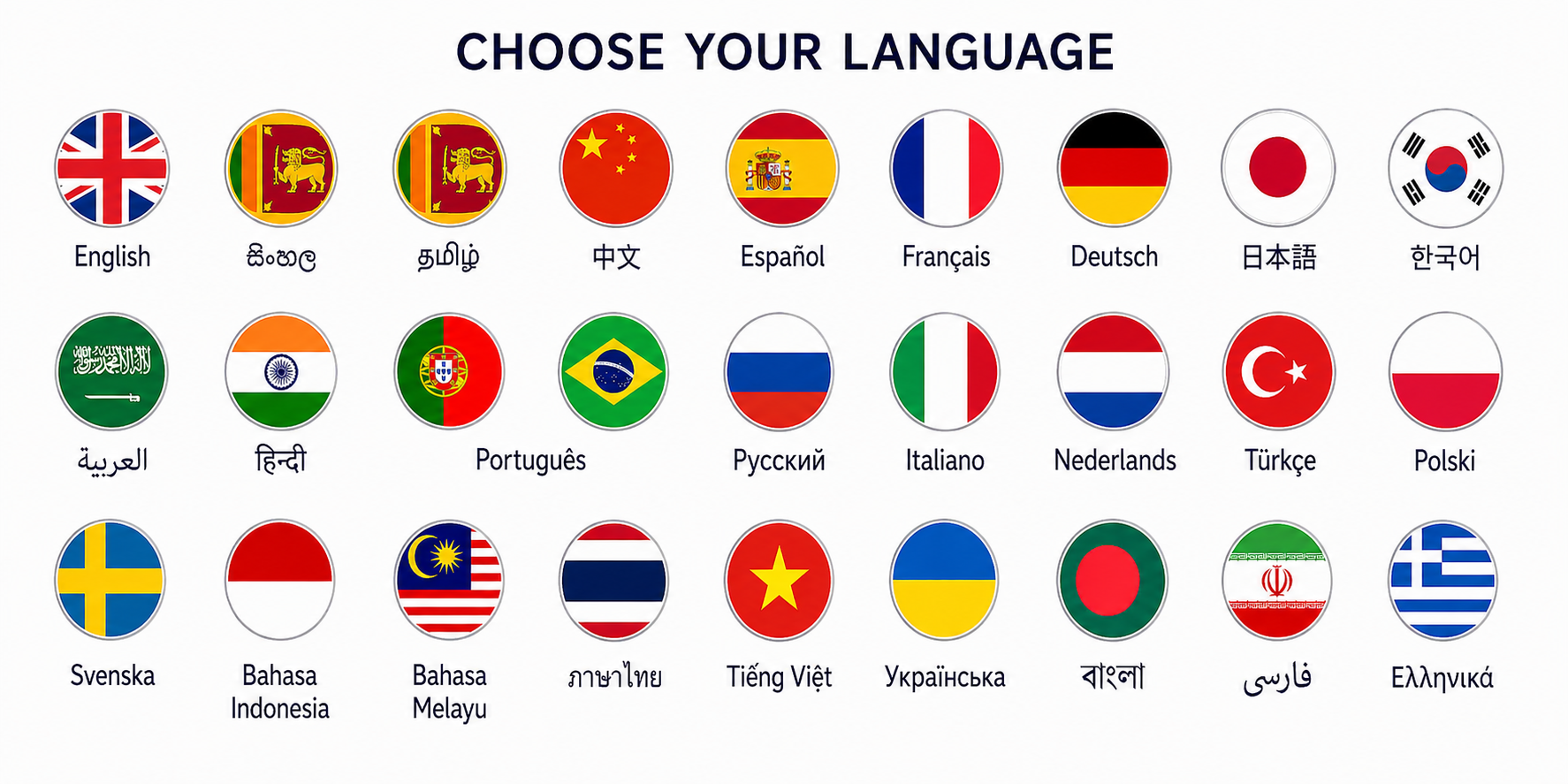
Yes. LinguaSnap is free to install and use, with no account or sign-up.
Install the extension, choose Sinhala in the popup, then select any English text on a web page. The Sinhala translation appears in a tooltip under the text.
25 languages: Sinhala, Tamil, Chinese, Spanish, French, German, Japanese, Korean, Arabic, Hindi, Portuguese, Russian, Italian, Dutch, Turkish, Polish, Swedish, Indonesian, Malay, Thai, Vietnamese, Ukrainian, Bengali, Persian and Greek.
Yes. LinguaSnap is available on the Chrome Web Store and Microsoft Edge Add-ons, and works in other Chromium-based browsers such as Brave.
No. Your settings stay on your device. Only the text you select is sent to a translation service (Google Translate, or MyMemory as a backup) to translate it. Nothing is sent to the developer. See the privacy policy.
Click the LinguaSnap icon in your browser toolbar and switch it off. While it is off, selecting text does nothing.
Install LinguaSnap and translate any text you select, in one step.
Senior Software Engineer in Colombo, Sri Lanka. Questions or ideas? nadeesha.weerasekara95@gmail.com